

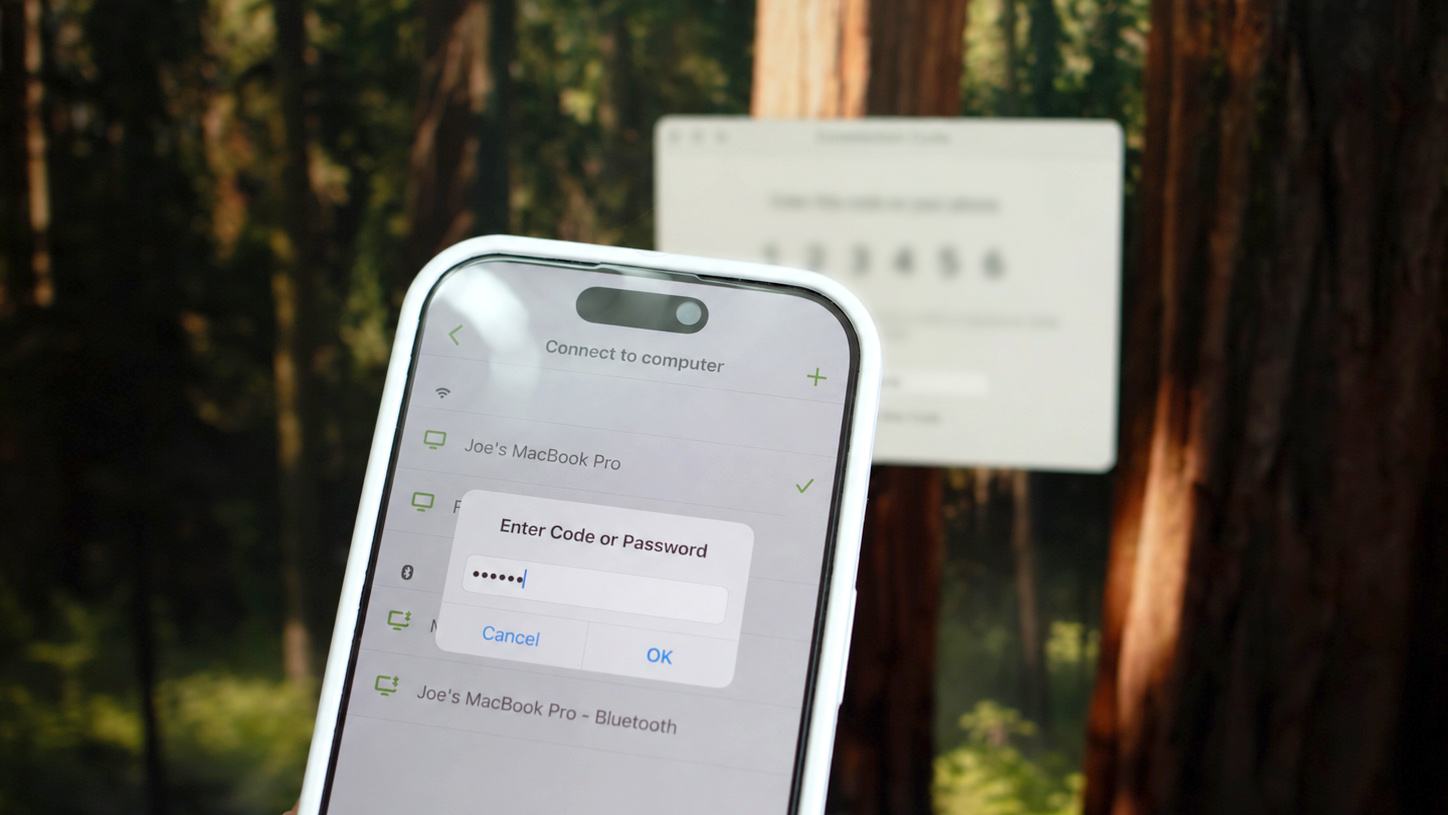
We’ve introduced a simpler, safer way to connect with Remote Mouse: Connection Codes. The update is now available for Remote Mouse Helper on Mac, with Windows and Linux updates coming soon.
Safer by Default
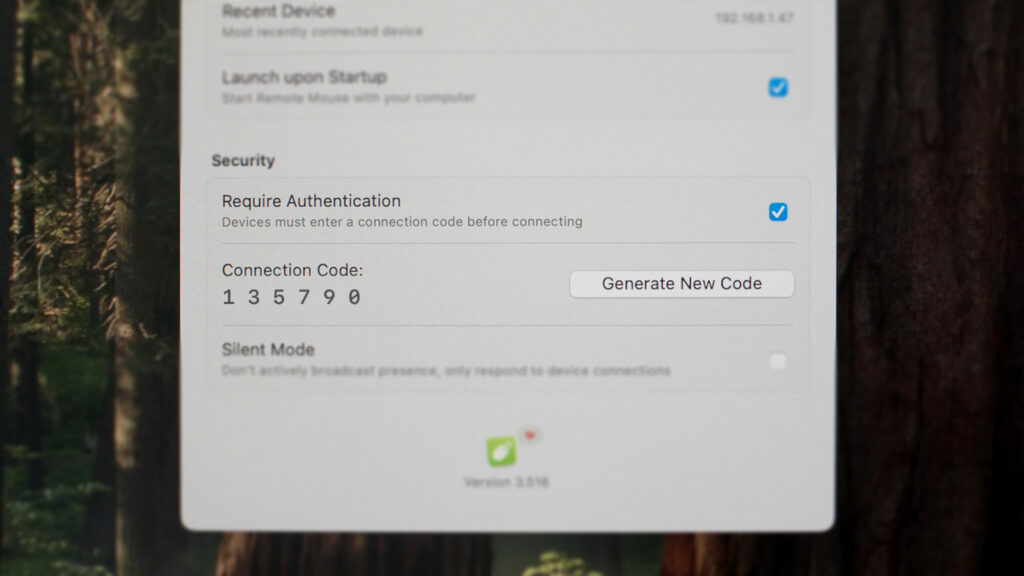
Previously, connection password had to be enabled manually. Now, it’s on by default for new installations. When a new device tries to connect, a 6-digit connection code automatically appears on your Mac, so you’ll know when someone is requesting access.
Less Setup, Less Hassle
- A 6-digit code is generated automatically.
- No passwords to create or remember.
- Enter the code once, and your phone can remember it for future connections.
- You can regenerate new code anytime
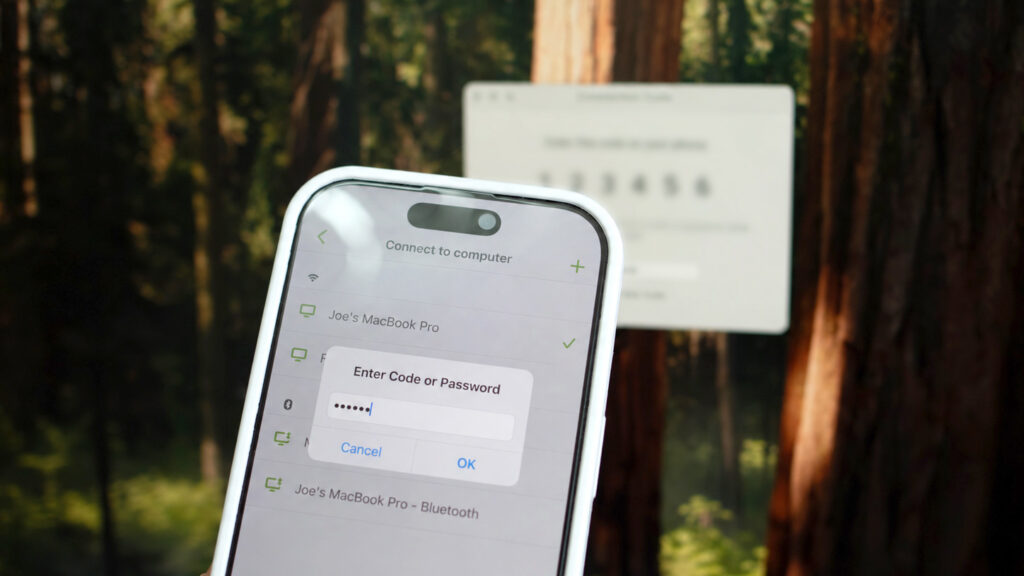
No Need to Touch Your Computer
We know that sometimes using your computer directly isn’t convenient. You can enter the connection code on your phone, or use your phone’s touchpad to remotely control Helper and regenerate the code — all without touching your computer’s keyboard or mouse.
Important: After regenerating your connection code from your phone, your current remote connection will stop working. To continue, open the Connect to Computer screen on your phone and reconnect manually.
What About Existing Users?
- Already using a password? Your existing password will continue to work as before.
- Never set a password? Your current connection settings will stay unchanged, so nothing suddenly stops working.
- You can switch to Connection Code anytime.
- You’ll see a warning icon ⚠️ in Remote Mouse Helper as a reminder if authentication turned off.
Stronger Connection Security
Along with enabling connection protection by default for new installations, we’ve added brute-force protection to help prevent unauthorized access. These changes help reduce the risk of unauthorized access. We’ll continue improving Remote Mouse’s security while keeping it simple and easy to use.
Keep an eye out for upcoming updates, and make sure both your phone app and desktop Helper are up to date for the best experience!