

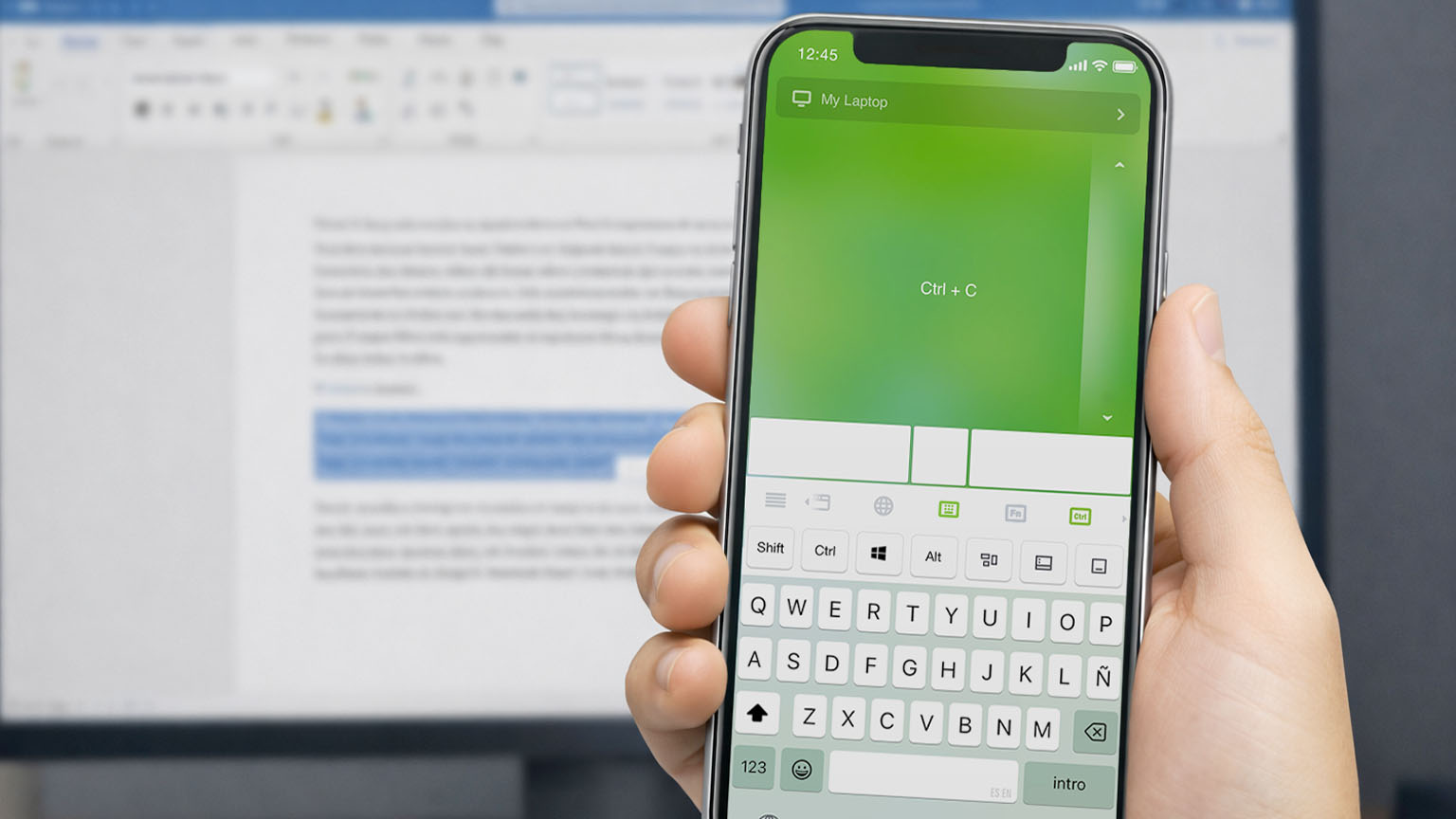
Shortcuts are meant to be fast. Therefore, we’ve redesigned how they work to make them simpler and more intuitive, with fewer rules to remember.
A simpler way to use shortcuts
Previously, some multi-key shortcuts required long presses to activate each modifier. This is no longer needed, everything now follows the same simple interaction: tap to combine, long press to keep it active.
- Tap modifier keys (Ctrl, Shift, Alt…) to combine them
- Tap a regular key (letters, numbers, or keys like Esc and Tab) to execute the shortcut
- Long press a modifier to keep it active across multiple actions
Works with your keyboard layout
Shortcuts now work with Latin-based keyboard layouts, just like on your computer. No need to switch to an English keyboard. Everything works the way you already expect.
Shortcuts in everyday use
Editing text
When working with text, actions often come in chains:
- Ctrl + A → Ctrl + C → Ctrl + V
Now, you can simply:
- Long Press Ctrl, then tap A, C, V
No need to re-activate the modifier each time.
Browsing the web
When navigating between tabs:
- Hold Ctrl, tap T to open new tabs
- Tap W to close them
The interaction stays consistent.
Quick access to system controls
Shortcuts also make it faster to trigger common system actions:
On Windows:
- Win + D → Show desktop
- Win + Tab → Open Task View
- Alt + Tab → Switch between apps
On macOS:
- Cmd + Tab → Switch between apps
- Cmd + Space → Open Spotlight
- Ctrl + ↑ → Mission Control
With modifiers staying active, these actions feel immediate and continuous.
Send modifier keys directly
The latest update adds a new Send Modifiers on Tap option in Settings.
By default, tapping a modifier activates it for the next shortcut, while a long press keeps it active across multiple key presses. When Send Modifiers on Tap is enabled:
- Tap a modifier to send it directly.
- Long press it once to use it with the next regular key.
- Long press it twice to keep it active for multiple key presses.
This makes it possible to send keys such as the Windows key by themselves, while still supporting keyboard shortcuts.